Well-informed decisions require a solid data foundation—but only if the numbers are clearly organized and presented in a way that’s appropriate for the target audience. Our Dashboard Designer for top BPM makes exactly that possible: Flexibly design custom dashboards for your business processes in SAP Fiori using drag-and-drop, with no programming knowledge required.
Business processes are diverse—and so are the key metrics relevant to managing them. While sales focuses on pipeline development and win rates, HR, for example, focuses on hires and departures, employee distribution across cost centers, and attendance and absences. Standard reports often have limited ability to address these different requirements.
With the Dashboard Designer for Top BPM User interfaces and reports can be customized to suit the specific target audience and business process.
Here are a few examples of how it can be used in practice:
Sales: How much of the pipeline is currently at each stage—and how much of it will actually translate into revenue in the end? A sales dashboard displays the pipeline value of open orders, the win rate on an annual or product-by-product basis, and shows how many contacts are currently in the system as leads, opportunities, or closed contracts.
Purchasing: Open orders, outstanding quantities, the current value of the purchasing pipeline—a single glance is all it takes to see where purchasing stands right now.
Human Resources: How have HR hours changed over the years? How are employees distributed across cost centers? How many employees belong to each payroll area? An HR dashboard highlights trends that can easily get lost in spreadsheets.
Equipment: Which pieces of equipment break down most frequently, which error messages occur most often, and which groups of machines are affected by malfunctions more often than average? If you can see this at a glance, you can take targeted action instead of just reacting.
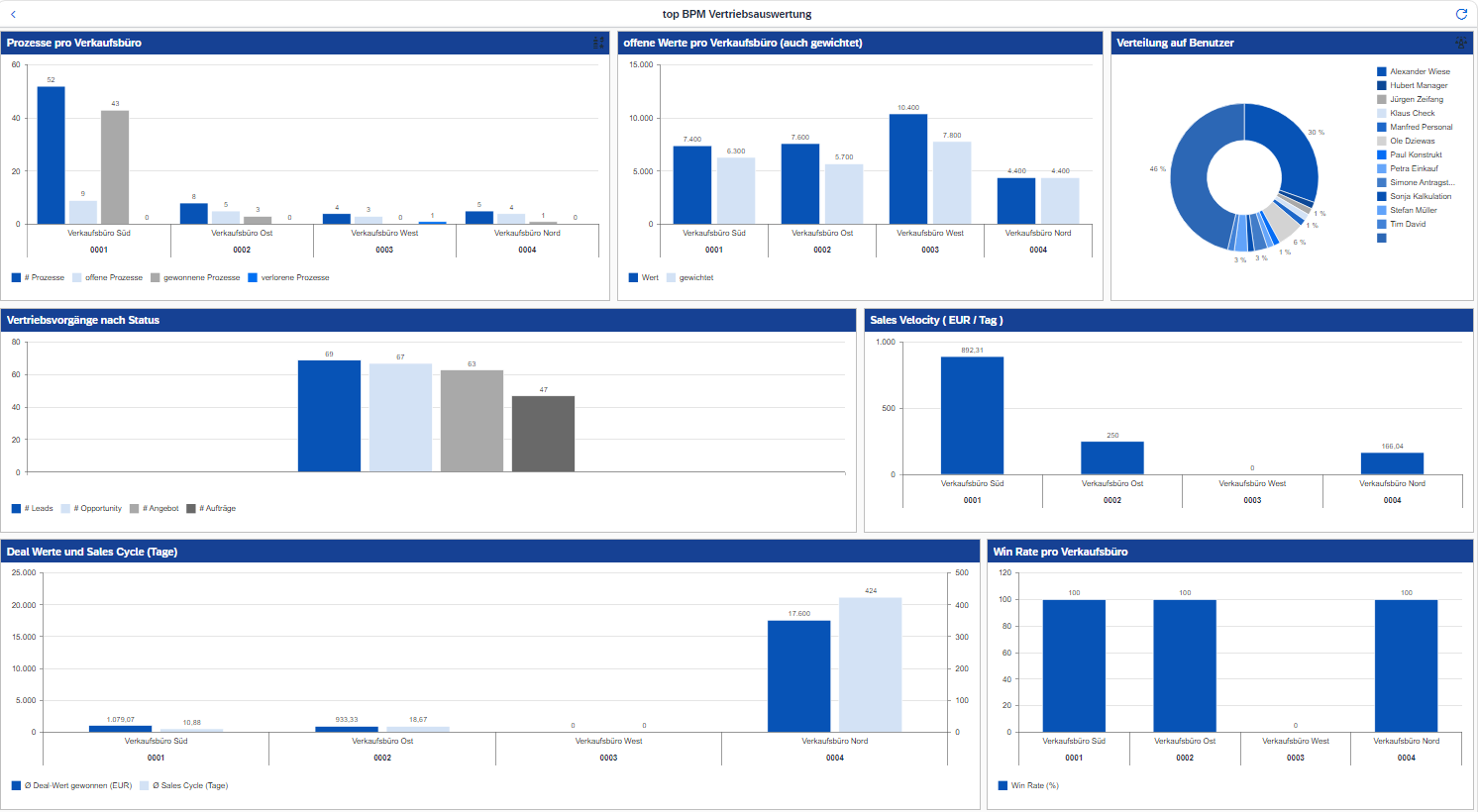
Predefined objects and widgets can be placed using drag-and-drop and customized individually. Various chart types are available for visualization, such as bar, column, line, or pie charts, along with colors, headings, and other design elements. Ready-made sample analyses are provided as templates to get you started, but you can also build a dashboard from scratch.
In addition to traditional charts, the Dashboard Designer offers numerous options for, Interactive User Interfaces to create. Tabs and drill-downs in detailed views turn the dashboard into more than just a display—it actively supports analysis and decision-making.
The data for the dashboards comes either from shared CDS views in the SAP system (OData interface) or from se16XXL scripts.

top flow GmbH


