

Document Designer for top xRM/BPM
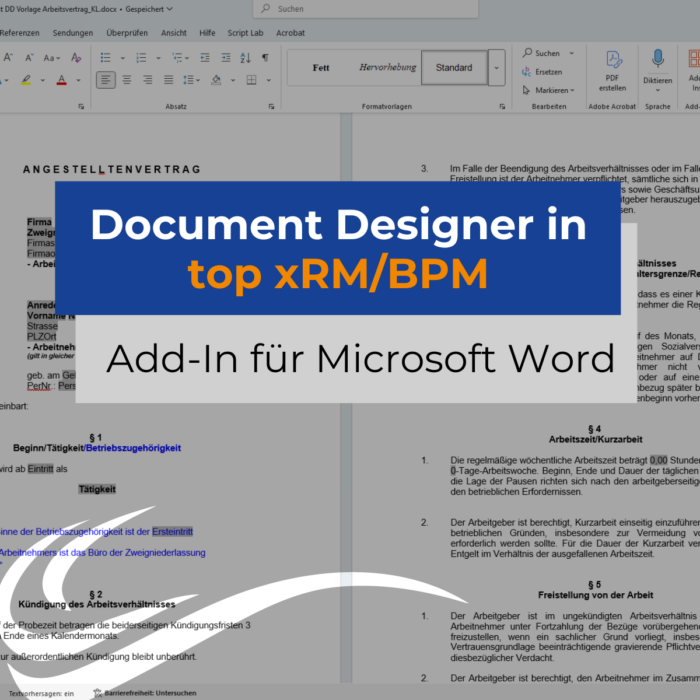
Efficient document creation in Word
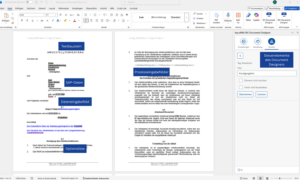
The Document Designer for top xRM and top BPM is a powerful add-in for Microsoft Word (from Office 2021 or Microsoft 365) that not only creates documents from templates, but also structures and guides them. Users continue to work in their familiar Word environment, but are guided step by step through the document creation process: They select options and content, add required information and use predefined text modules. A document is automatically created on this basis – including the transfer of relevant data from the SAP system.
Practical example of an employment contract
An employment contract largely consists of recurring content, while details such as name, start date or contract type vary. A structured template is created once with the Document Designer. When using it later, employees in the HR department select the appropriate options and add the required information. In this way, employment contracts remain standardized and at the same time flexible enough for individual adjustments.
Guided process instead of manual document creation
Templates can be set up with various control elements, e.g:
- Automatic transfer of data from SAP
- Choice between different text variants and options
- Reusable text modules for standardized formulations
These elements form the basis for the guided process and ensure that documents are standardized, logically structured and easy to create.
Conclusion: What advantages does our Document Designer offer?
The Document Designer combines structured templates with a guided creation process in Word. Once defined, documents – such as employment contracts – can be used by several users, remain standardized and still allow for individual adjustments.


